An auction cataloging app for the phone at the lot
The goods are in a barn, a garage, a back bedroom. The signal is not. Lotdesk is where the lot gets written anyway: on the phone, at the piece, on one record against its number.
What you do at the piece
- Open the sale and choose Write a lot. The phone's own camera takes the photographs: up to 12 per lot (overall, label, base, the flaw), 3 MB each, the first as the cover.
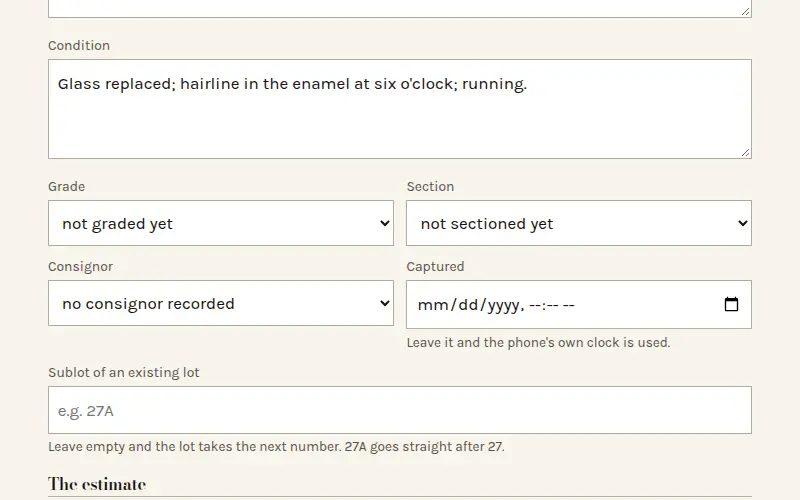
- Write the title the catalog prints and the description in your own words, then the condition: a grade (good, fair, with faults, restored, as found, poor) and the faults spelled out.
- Put the estimate on it, pick the section and the consignor whose goods these are, and save. The lot takes the next number, and two lots in one sale never share one.
Where there is no signal
Every lot is written to the phone first and sent afterwards, so a dead spot costs you nothing but time. The outbox at the foot of the screen counts what has not gone yet, and it sends by itself when the signal returns. A lot that is sent twice is still one lot.
Three habits protect a day's work: stay in the same browser, use a normal window rather than a private one, and do not clear the browser's site data until the outbox is empty. The help article has the whole list.
Nothing to install
It runs in the browser you already have, on a phone, a tablet or the office computer, and you can add it to the home screen for one-tap access. The people at the lots and the person at the desk are looking at the same book. See using it on a phone and at the desk.
Then the desk
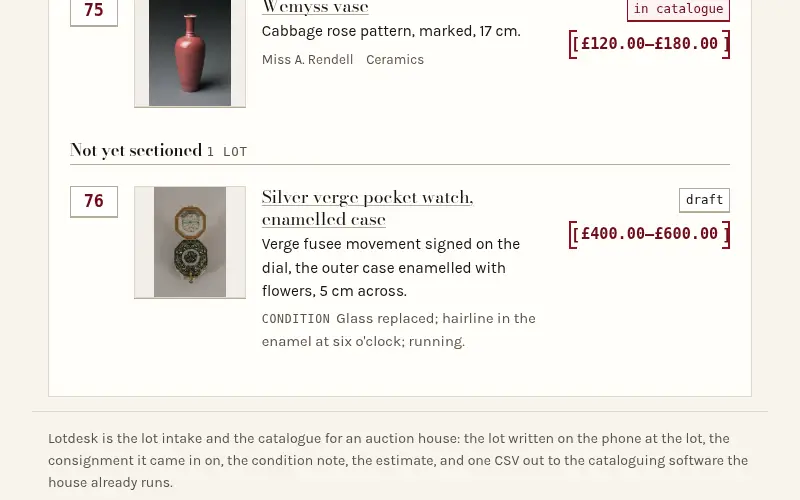
Back in the office the same lots are corrected, put in order by section, and printed as the catalog. The sale goes out in the format of the platform you sell on, with the photographs, or comes in from a spreadsheet you already have.
Open a book — free for your first 25 lotsLook at the sample sale first